It’s 9:47 p.m. You’re staring at a pile of receipts and a half-finished invoice. Your bank balance looks fine, yet you still feel unsure. That’s not a money problem. That’s a system problem.
The accounting tool you choose shapes how fast you bill, how clean your records stay, and how quickly you spot trouble. Traditional software sits on one computer and keeps everything local. Cloud-based software lives online and follows you wherever you work. Each one can be a great fit. Each one can also cause daily friction if it clashes with how your business runs.
Let’s compare them in the ways that actually matter.
Your Workflow Sets The Rules
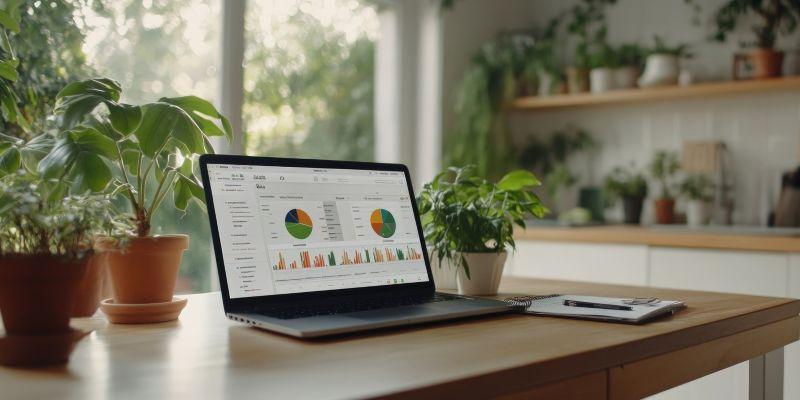
The best accounting software matches your daily work. It should fit how you sell, bill, and track money. A trendy tool that fights your routine will slow you down. A steady tool that fits your pace will make your numbers feel clear.
Start with what happens in a normal week. Think about where you work. Think about who touches the books. Think about how fast you need invoices to go out. Think about how many reports you check before you make a decision.
Once you name your real workflow, the choice gets easier. Traditional software serves a fixed setup. Cloud software serves a moving setup. Next, we’ll look at what each one feels like in real business life.
When Control Matters More Than Convenience
Picture a quiet office and one main computer. Your files live there. Your receipts get entered there. That setup feels solid. It feels like a locked drawer that stays in your sight. Many owners like that kind of control.
Traditional accounting software works best when you want local access. It runs without the internet. You keep the data on your machine. You decide when changes happen. Some setups also avoid a monthly bill, which helps when budgets stay tight.
That control comes with chores. Updates need your time. Backups need your habit. File sharing needs extra steps. If your laptop fails, recovery depends on your last backup. If your work moves around, the next option feels very different.
Your Books That Follow You Everywhere

Imagine you finish a sale at your shop. You send an invoice right away. You check the payment status from your phone. You pull a profit view at home after dinner. Cloud accounting fits that flow. It keeps your numbers close.
Cloud software lives online. You log in from any device. Updates show up automatically. Your bookkeeper can view the same data without file transfers. Reports refresh fast. This helps when you track cash, bills, and sales in real time.
Cloud access has a price. The subscription hits every month. A weak internet link slows work. Security also needs your attention. User roles must stay tight. Passwords must stay strong. The real surprise comes next. Cost goes beyond the sticker price.
The Real Cost Lives In The Details
The price you see at checkout is not the full cost. The real cost shows up in small daily leaks. Time spent fixing entries. Time spent hunting receipts. Fees from late filings. Missed follow-ups on unpaid invoices. Those leaks add up faster than any software bill.
Traditional software often starts with an upfront payment. Then you pay in other ways. You handle installs. You pay for upgrades when versions change. You may pay for IT help when a computer breaks. You also pay with your own time when backups fall behind.
Cloud pricing is steady each month, but plans stack. Extra users raise the bill. Payroll, inventory, and advanced reports often cost more. Payment tools may charge per transaction. The best comparison is simple. Add the full yearly cost, then add the hours you spend keeping it running.
Access And Safety Decide Trust
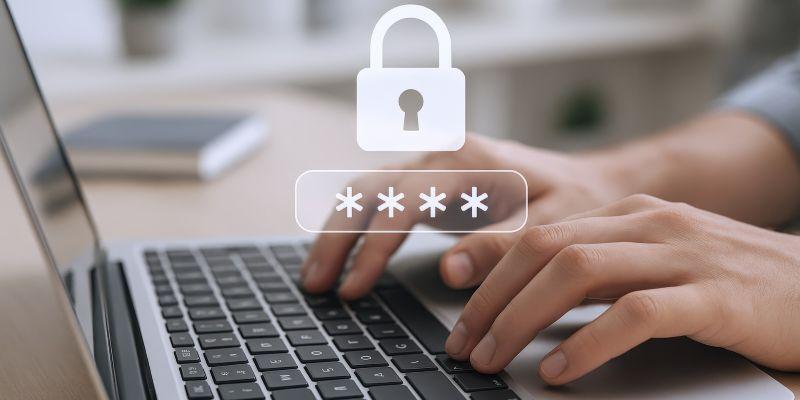
Access sounds basic until someone needs a report right now. Your staff needs invoices. Your bookkeeper needs clean numbers. You need control. If you share one login, you lose track of who did what. That creates confusion when a number looks wrong.
With traditional software, access often depends on the device. If the computer is in the office, the work stays in the office. If files are copied to share them, versions are split. One wrong file can overwrite good data. Safety depends on strong passwords and a strict backup routine.
Cloud tools handle access in a smarter way. Each person gets their own login. You assign roles. You can limit who sees payroll or bank links. Many systems keep an activity log. Your job is to manage people, not just settings. Remove access fast when roles change.
Three Scenarios That Point To The Right Choice
Scenario 1: You run solo, in one place, with simple sales and few bills. You use one main computer, and you like full local control. Traditional software fits you. It stays stable. It works offline. It keeps your books in one clear spot that you manage.
Scenario 2: You have a small team, and work moves between devices. Invoices go out daily. A bookkeeper helps each month. Cloud software fits you. Everyone sees the same data. No one emails files back and forth. You get faster updates on what is paid.
Scenario 3: Your business is growing, and decisions need fresh numbers. You manage more than one location or work with remote help. You add payroll, inventory, or project costs. Cloud software fits you. It scales with more users. It keeps reports live as the business expands.
Pick The Tool That Makes You Feel In Control
At the end of the day, the right choice is the one that keeps your money clear and your mind calm. Traditional software fits a steady setup where you want local control, and you do not need shared access. Cloud software fits a business that moves, shares work, and needs numbers on demand.
Make your decision with your real needs, not feature lists. Focus on how you work, who needs access, and what you can maintain without stress. Add up the true yearly cost, then include the time it saves or steals.
Write down your top five needs. Test one option with real invoices and real bills for a week. Pick the one that stays out of your way.